Back
Set up LIVE GMV Max for TikTok Shop livestreams: identity, ROI target, budget, pacing rules, viewer boost and Max delivery for big LIVE sessions.
TikTok Shop
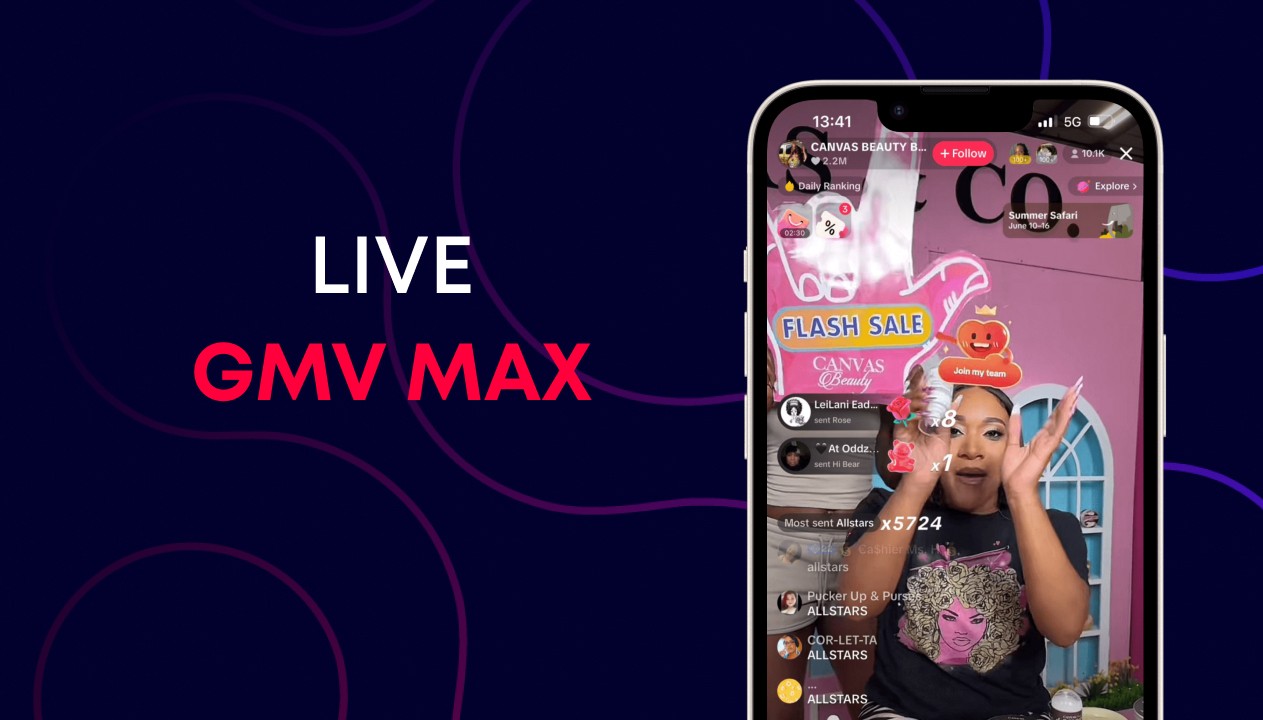
A strong livestream can sell more in two hours than product ads sell in a week, but only if enough of the right viewers arrive while the host is live. Under-fund the campaign and the room stays empty; change the ROI target mid-stream and delivery stalls. LIVE GMV Max is the campaign type built for this job. This guide covers setup, ROI and budget rules, and the tools for your biggest sessions.
Running product ads instead? See our Product GMV Max setup guide. For how both types fit together, read the GMV Max overview.
What is LIVE GMV Max?
LIVE GMV Max drives traffic into one TikTok account's LIVE room and optimizes for the highest gross revenue from the stream, within your ROI target. You choose the LIVE identity, ROI target, budget and schedule; the system finds viewers likely to buy while you are live.
TikTok measures it with LIVE ROI:

It replaced LIVE Shopping Ads for TikTok Shop: since July 2025, LIVE Shopping Ads can no longer be created with a TikTok Shop destination.
Who LIVE GMV Max suits best
It works best for sellers who stream regularly and already have some LIVE sales history. TikTok considers a profile strong when it has around $1,000 in gross revenue over the last 7 days, because that history gives the system more to learn from. Newer hosts can still use it, but should expect a slower start.
How to set up LIVE GMV Max
Before you start, turn off any active LIVE Shopping Ads or other LIVE GMV Max campaigns for the same account. You need only one LIVE GMV Max campaign per TikTok identity.
In TikTok Ads Manager or Seller Center, create a GMV Max campaign and choose LIVE.
Select the TikTok identity that will host the livestream.
Set the LIVE ROI target, using the recommended value or your own.
Set the daily budget.
Set the schedule to match your LIVE sessions, then publish.

Set the LIVE ROI target
Start from your historical LIVE performance or the ROI TikTok recommends, then change it no more than once a day. According to TikTok's LIVE GMV Max best practices, the system recommends ROI and budget at setup based on your past LIVE results.
An over-ambitious target is the most common reason a LIVE room stays empty. Check it against your break-even ROI after commissions and live-only discounts, then hold it steady.
Set the budget and read the pacing
Set a budget two to three times higher than you would have spent on a normal LIVE shopping ad. It will not all be spent: the campaign only uses budget when it can roughly meet your ROI target, so a high budget simply gives it room.
After the first day, read the pacing:
What you see after day one | What it usually means | What to do |
|---|---|---|
Spending too slowly | ROI target too tight, small audience, or weak stream | Lower the ROI target slightly |
Spending too fast | Strong demand and conversion | Raise the budget, or raise the ROI target if margin matters more |
Fast spending is usually good news, not a problem to stop.
Tools for your biggest LIVE sessions
Use extra tools for peak sessions, knowing that most of them sit outside ROI protection.
Max delivery: applies to the whole LIVE campaign and spends the full budget for maximum revenue. Use it for mega sale sessions, not every stream.
LIVE viewer boost: a separate budget to bring more viewers into the room, without touching the main Target ROI budget.
Creative Boost for LIVE: extra budget for specific videos that promote the stream. It works in Target ROI campaigns and requires allowlist access.
Mega Live Mode and Video-to-LIVE: announced in May 2026 to help ramp up big sessions and turn short videos into traffic for the LIVE room.

ROI protection does not cover Max delivery, viewer boost or Creative Boost budgets. LIVE GMV Max allows up to two manual ROI changes a day before that day loses protection. Details are in our GMV Max features guide, and release dates are tracked in our GMV Max updates changelog.
The stream still has to sell
LIVE GMV Max can bring viewers in, but the host, offer and production convert them. Campaign results depend on host presentation, product appeal, live-only offers, pinned product cards, and stable lighting and sound.
Treat ads and content as one plan. Our TikTok Shop livestream strategy guide covers how to structure a session that converts.
FAQ
How many LIVE GMV Max campaigns do I need?
One per TikTok identity. The system optimizes across all sessions from that account.
How much budget should I set?
TikTok suggests two to three times what you would spend on a normal LIVE shopping ad. Unused budget is not spent if the ROI target cannot be met.
How often can I change the ROI target?
TikTok advises no more than once a day. More than two manual changes in a day also removes ROI protection for that day.
Should I run LIVE and Product GMV Max together?
Yes, if you stream regularly. Product campaigns build purchase intent between streams; LIVE campaigns convert it during sessions.
Fill your LIVE room with buyers
LIVE GMV Max rewards preparation: a realistic ROI target, a generous budget, steady settings and a stream worth staying for. Planning a big sale? See how to schedule LIVE GMV Max in our BFCM 2026 playbook.
Ecomdy is an official TikTok agency helping Vietnamese sellers run LIVE GMV Max on TikTok Shop US. Contact our team to set up your LIVE campaigns and request access to viewer boost and Creative Boost.