Back
10 critical things you must know before running TikTok ads, drawing on TikTok’s official tools and best practices, so you’re ready when you launch.
TikTok Ads
Running ads on TikTok presents a huge opportunity for brands to reach engaged audiences with short-form video content. But jumping in without preparation can lead to wasted budget, weak results, or even policy issues. In this post, we’ll cover 10 critical things you must know before running TikTok ads, drawing on TikTok’s official tools and best practices, so you’re ready when you launch.
Use the TikTok Creative Center
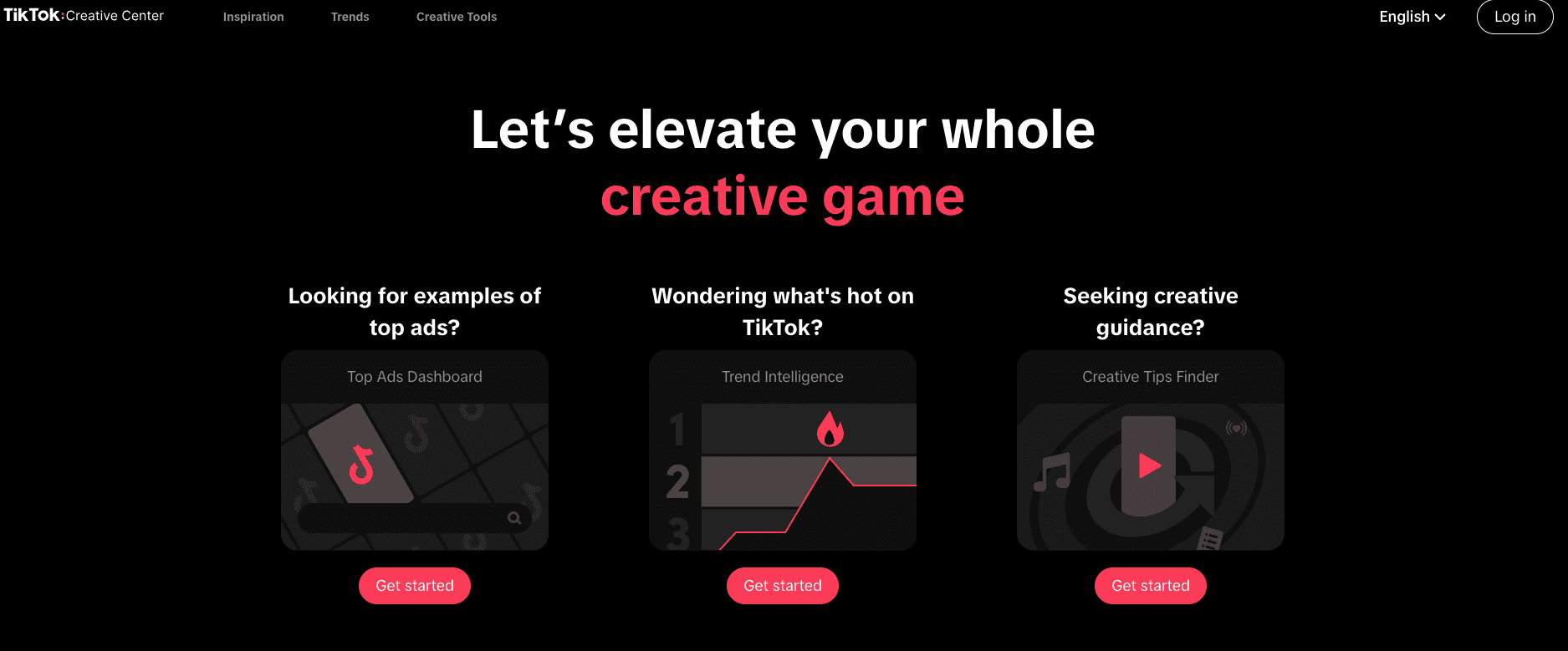
The Creative Center is your first stop if you’re new to TikTok advertising. It gives you access to:
Top Ads Dashboard: See real ads performing well on TikTok by industry and region, helping you decide if your niche is active.
Commercial Music Library: Use only music approved for business use (via Trends → Songs → filter “Approved for business”). The Creative Center includes a library of songs and trending audio.
Script Writer/Creative Tools: The Creative Center offers tools that generate script ideas, scene descriptions, and creative concepts for your video ad.
Tip: Before you create your first ad, spend time in the Creative Center digging into ads in your industry, the trending audio, and sketch at least 2-3 creative ideas based on what is already succeeding.
Creative options: DIY, hire a creator, or use AI
Once you know what type of creative you want:
Do it yourself (DIY): Film the video internally, using the script ideas from the Creative Center.
Hire a Creator: Work with a TikTok creator (influencer) to review your product or service - often good for social proof.
Use AI: Leverage AI tools (for example, within Creative Center or Pody.ai) to generate or support video creation.
Tip: Pick the route that fits your budget and timeline, but always ensure your creative aligns with what you found in step 1 (what’s trending/performing).
Take advantage of TikTok's limited-time offers
When you open a new TikTok ads account, look for promotional offers or bonus credits.
For example, there are promotions where you can receive up to $2,400 in ad credits after meeting certain spend thresholds.
Set up the TikTok Pixel
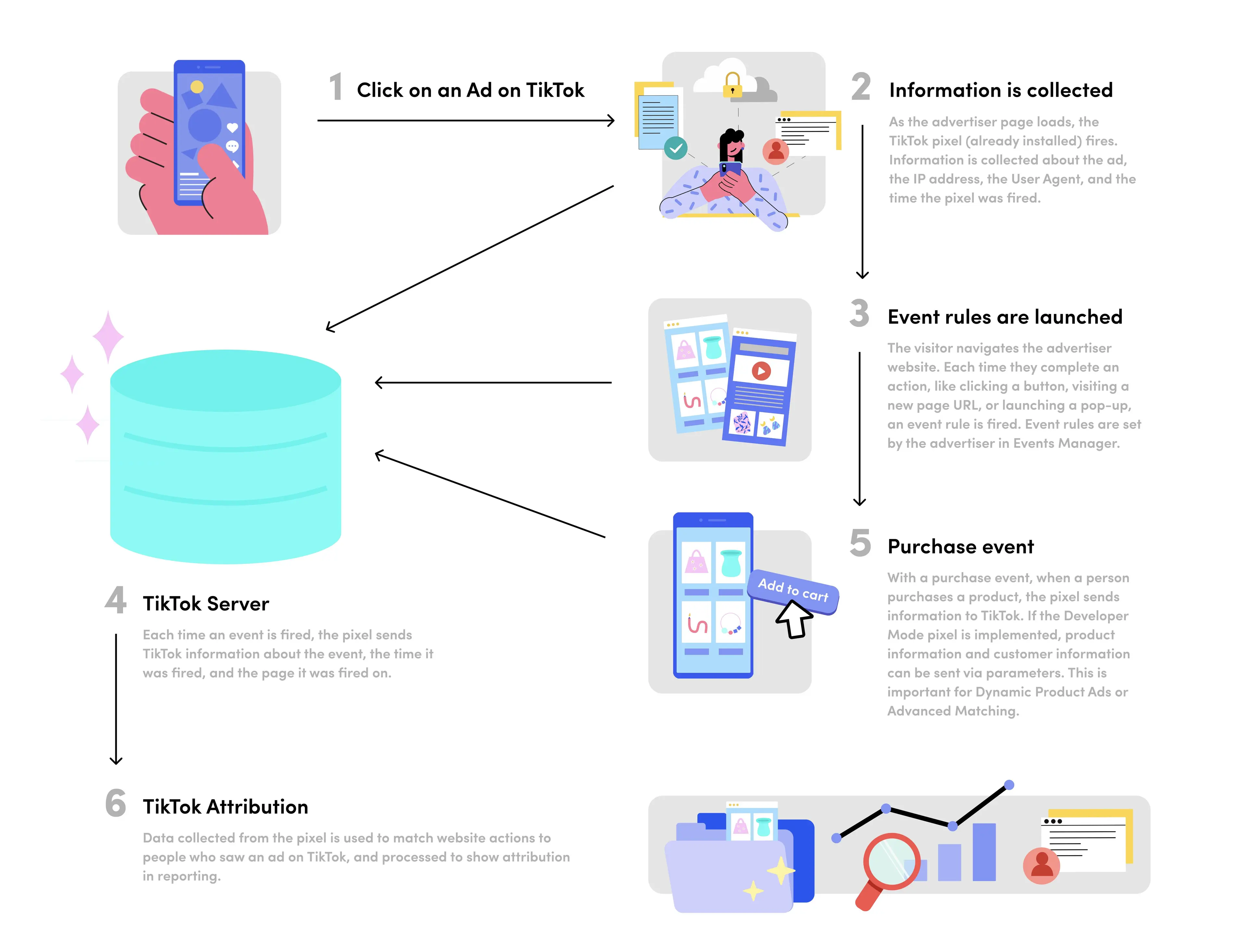
Installing the TikTok Pixel on your website before you launch ads is essential. Why?
The Pixel begins collecting data immediately, so when you do run ads, TikTok already has historical data to better optimise.
TikTok’s Help Center shows that the Pixel tracks website events (page views, add to cart, purchase) and allows measurement and optimization.
To set up: log into Ads Manager → Tools → Events → Connect Data Source → Web → choose partner integration or manual setup.
Tip: Even if you plan to run ads months later, install the pixel now. Also, verify it via TikTok Pixel Helper or Ads Manager diagnostics.
Basic account setup blueprint
If you’re just getting started, here’s a simple recommended structure:
One Campaign
Under that, create two audiences:
Interest-based audience (e.g., targeting people interacting with relevant product hashtags)
Broad audience (letting TikTok’s algorithm optimise to find your best viewers)
For each audience, run 1–3 different ads for testing (different hooks/creatives).
Tip: This gives you clarity and focus in your early tests, don’t overcomplicate your structure before you have data.
Budgets and cost
Some baseline numbers:
CPM (cost per thousand impressions) on TikTok tends to be around US$3 to US$10 in many markets.
Minimum daily budget: You typically need to spend at least US$20/day (or equivalent in your currency) for an ad account.
Tip: Since TikTok ads can be relatively cost-efficient, use this to your advantage in your testing phase — test multiple creatives quickly before scaling.
The power of the hook
In a TikTok ad, the first 3 seconds are critical; this is your hook. If you don’t stop the scroll early, you lose attention. Brands have seen campaigns succeed or fail solely based on the hook.
Tip: Ask yourself: What will make someone stop scrolling, look at my ad, and stay for the message? Test different opening visuals/text/hook ideas. Use ideas from the Creative Center to inspire.
Don’t overlook TikTok creative best practices, not only to improve your hooks, but to optimize your entire creative for better conversions.
Customer support and help center
If you run into issues, you’re not alone. You can access:
Customer support via the Ads Manager or Business Center chat (Ad Assistant) or ticket system.
The TikTok Help Center offers comprehensive guides: ad objectives, ad creation, measurement, policies
Tip: Save a link to the support chat in your local region. Allocate a small amount of time for your team to familiarise themselves with the Help Center ahead of major launches.
Managing ad comments
Comments on your ads matter; they influence perception and conversion. Some key features in Ads Manager:
Under Tools → Comments, you can view all comments, block keywords/users, set automatic replies.
Under Analytics → Comment Insights: TikTok gives sentiment (positive/neutral/negative) for comments; you can manually adjust if needed.
Tip: Monitor comments regularly. Negative comments can discourage prospective buyers; respond or moderate proactively. This is often overlooked but can significantly impact conversion rates.
Video insights
Under Analytics → Video Insights, you’ll find data on how each ad video is performing, benchmarked against your account. This is very useful when you start running many ads.
Tip: Use Insights to compare creatives: which hook worked, which audience responded, which video should you continue scaling vs pause. Continuous analysis wins.
Bonus tip: Partner with an official TikTok agency
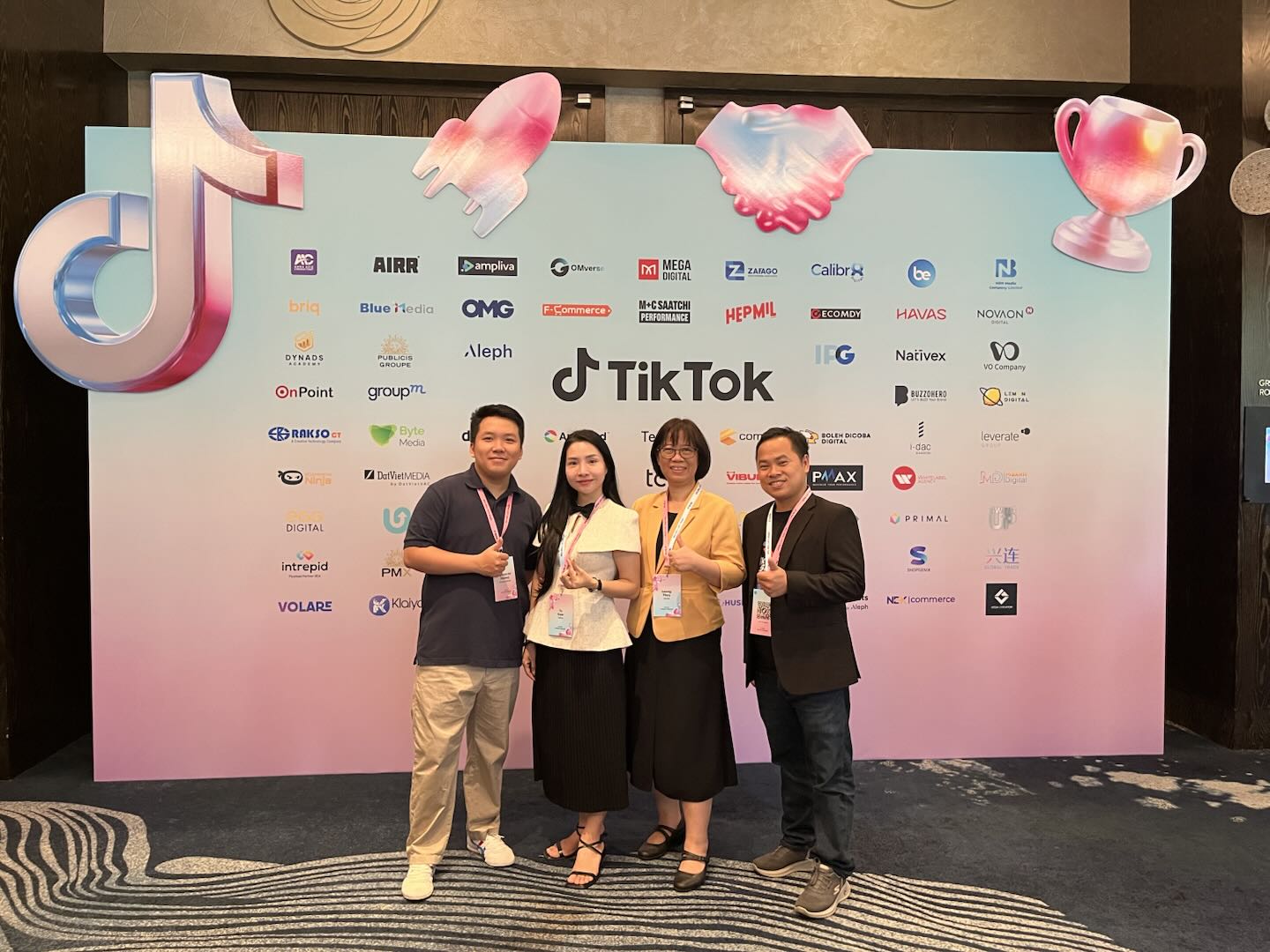
One of the smartest moves for any brand looking to advertise on TikTok is to work with an official TikTok Agency Partner - such as Ecomdy Media.
Partnering with a certified TikTok agency brings exclusive benefits that go far beyond basic ad setup:
Strategic Consultation: You’ll receive expert guidance on ad strategies, targeting, and creative direction tailored specifically to your business goals and industry.
Full Campaign Setup & Optimization: From installing the TikTok Pixel to structuring campaigns, testing creatives, and optimizing performance - everything is handled by experienced professionals who know how to maximize your ROI.
Access to TikTok Incentive Programs: As an official partner, Ecomdy Media can help clients join special programs such as ad credit bonuses, rebate campaigns, or seasonal promotions - giving you more value from every dollar spent.
Dedicated Support & Priority Assistance: TikTok partner agencies receive faster communication lines with TikTok’s internal team, meaning any issues or approvals are handled more efficiently.
Working with a partner like Ecomdy Media ensures your campaigns not only comply with TikTok’s best practices but also achieve sustainable, scalable growth.
👉 Learn more about partnership opportunities and TikTok advertising support at Ecomdy Media’s official site here!